
Hikvision
Use the site requirements to define the camera, recorder or access-terminal configuration. Confirm the exact Hikvision models, supporting equipment and documented functions before agreeing how the devices will be used or connected.

Before you choose
Confirm the model and configuration.
- Does the project need camera coverage, recording, a defined door-entry workflow, or a combination of these?
- Which exact models, recorder or management software, power and network arrangements are required at the site?
- Which functions and interfaces are documented for the chosen configuration, and what needs confirmation before connecting other systems?
Models
Models and configurations.
Models, availability, accessories and integration support need confirmation for your project.
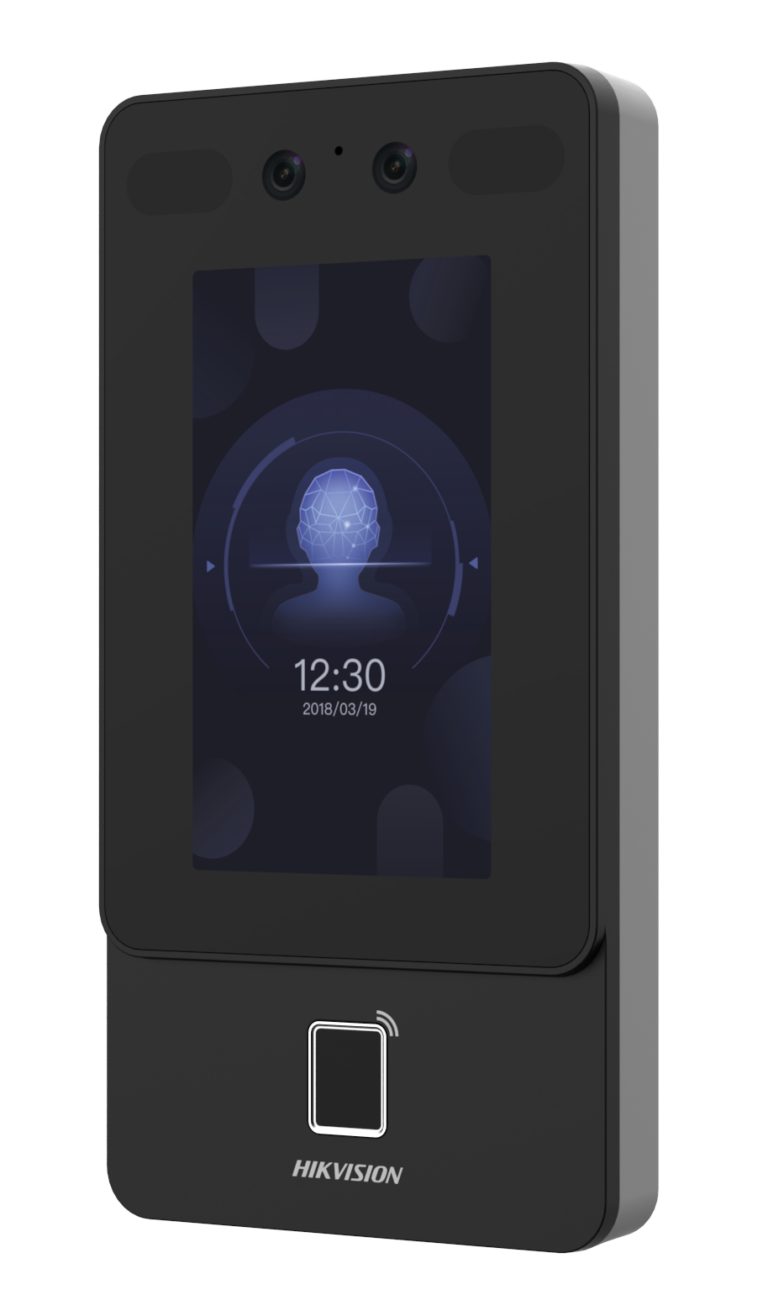
Hikvision DS-K1T342MFX
Multi-authentication access terminal supporting face, fingerprint, and M1 card recognition, with fast identification, anti-spoofing protection, and IP65-rated construction for secure access control.
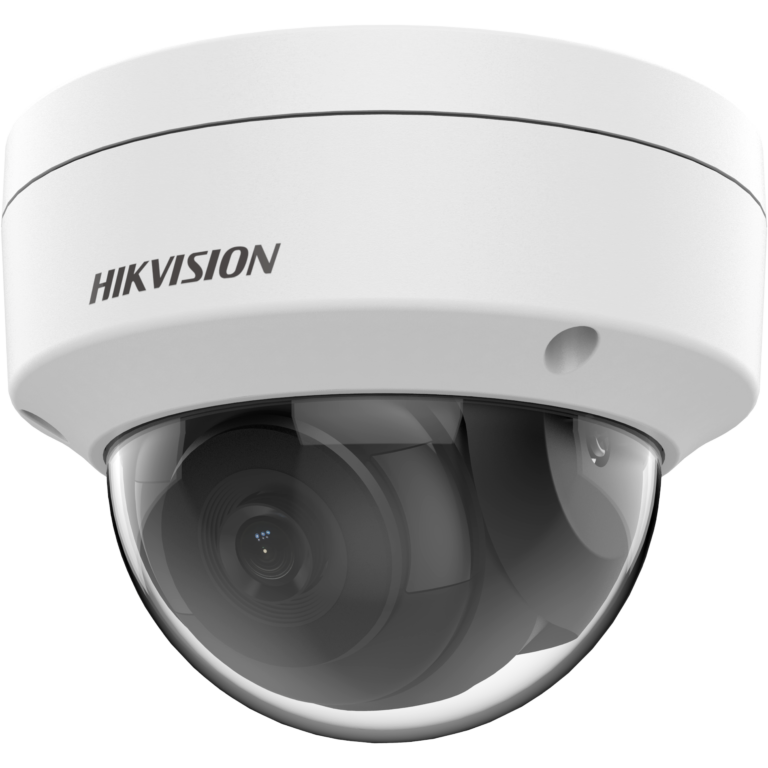
Hikvision DS-2CD1121-I
Rugged 2 MP fixed dome network camera with DWDR, EXIR 2.0 night vision up to 30 m, PoE support, and IP67/IK10 protection for reliable indoor and outdoor surveillance.
Next step
Discuss your configuration.
Send the site requirements, existing Hikvision model numbers and equipment list. Identify the camera, recording or door-access decision and any required system connection so the configuration can be reviewed.