
Warehouse & logistics
Every movement in your warehouse, on record.
Stock that matches the shelf, receiving that can be verified and shipments that can be proven. The right technology is chosen for each step and connected through DERAS to the systems already in use.
The everyday gaps
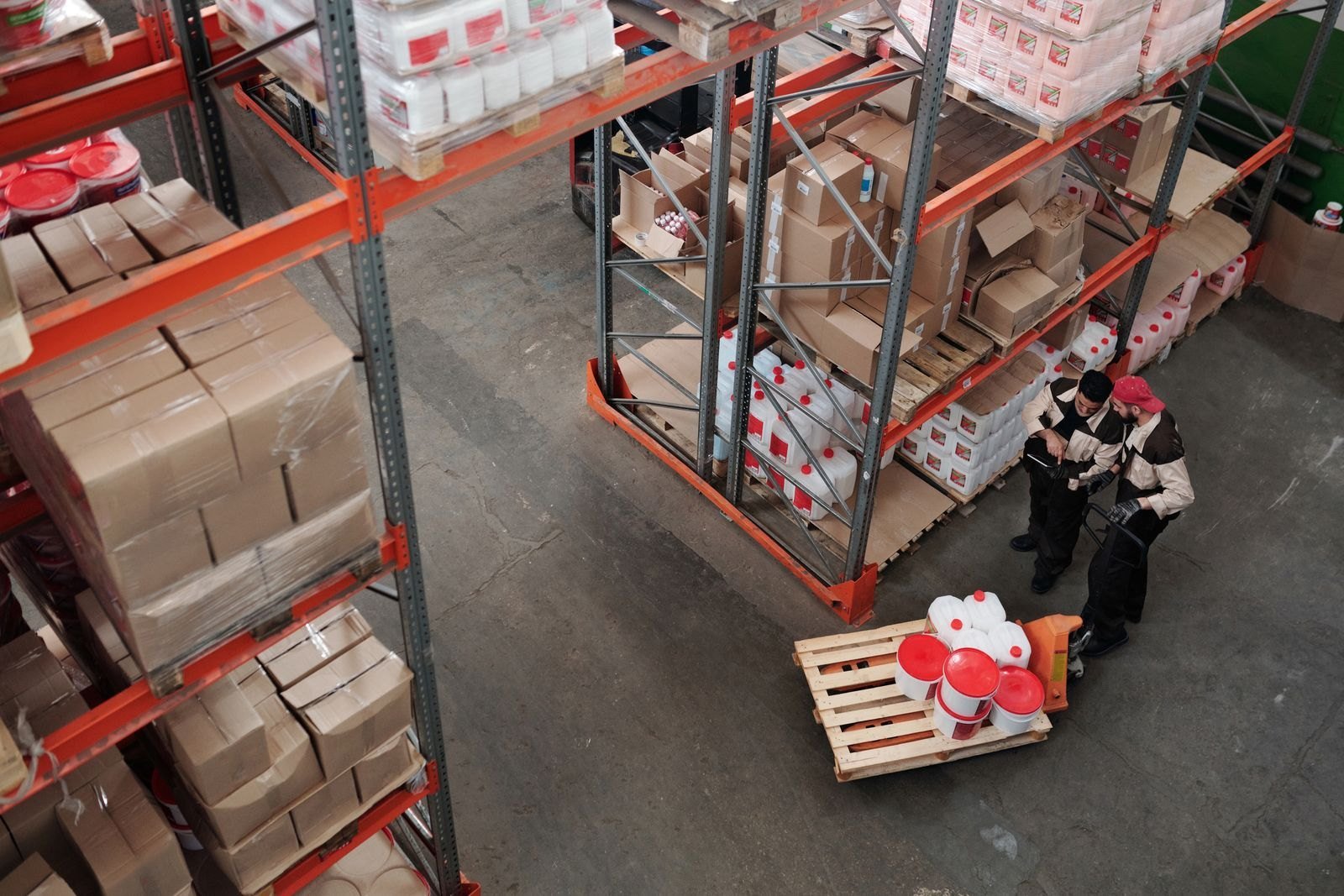
Most warehouse problems start as a missing record.
A count that is off, an item no one can find, a shipment no one can prove. Different symptoms, one root cause: no reliable record of what moved, where, when and by whom.
65%of inventory records did not match physical stock in a field study of a leading retailer. California Management Review
67%average inventory accuracy, 2022–2024, in an Indonesian warehouse relying on annual stock counts. JISS, 2026
 System: 24 units · Shelf: 19
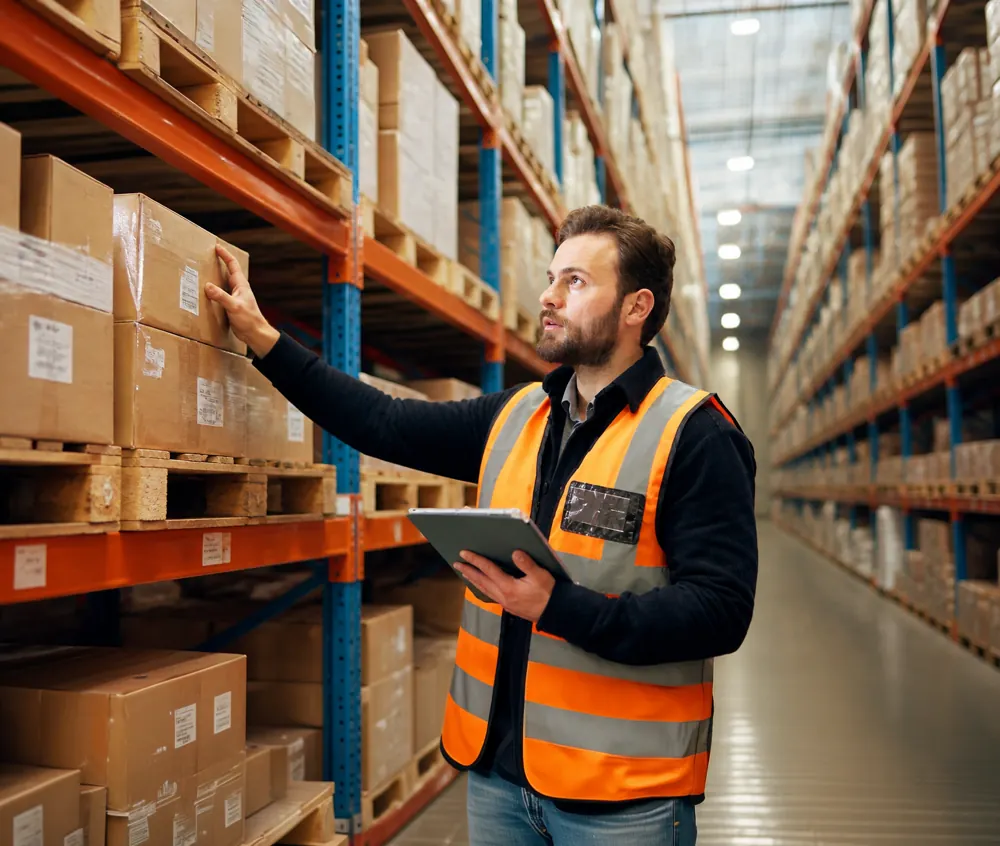
The system says it’s there. The shelf says otherwise.
Orders are accepted for stock that isn’t on the rack, and the gap only shows up at the next count.
Stock counts that stop the warehouse
Annual counts take days, need overtime, and are already outdated by the time they are reconciled.
Receiving that slows the dock
Goods are checked carton by carton. Differences from the PO surface later, when they are harder to dispute with the supplier.
Lost inside your own warehouse
Items put away in the wrong place exist on paper but cost hours to find, and are sometimes bought again.
Wrong item, wrong quantity, wrong truck
Picking and loading errors are found by the customer, not before the truck leaves.
No proof when a client disputes
When a client claims a shortage or damage, there is no time-stamped record of what was handled and loaded.
Who went where, and what left with them?
High-value zones and exits rely on manual logs and footage that no one connects to stock movements.
Data in too many places
WMS, spreadsheets, CCTV, door access and fleet tracking don’t talk to each other, so every discrepancy is investigated by hand.
The workflow
From the inbound dock to the customer’s door.
Pick a stage to see where the record is lost today, and what changes. One DERAS layer carries every event to the dashboard and the systems already in use.
Stage 01
Receiving
Cartons are checked one by one, and differences from the PO are found late.
Arrivals are verified against the PO at the dock, with a time-stamped record.
Technology options
- Barcode/QR
- UHF RFID portal
- Dock camera
Stage 02
Putaway
Where an item goes depends on someone remembering it.
Each item’s last detected location is recorded.
Technology options
- Location labels
- UHF RFID
- NFC point
Stage 03
Storage & count
Annual counts stop operations for days.
Frequent cycle counts by zone, without shutting down.
Technology options
- Handheld barcode
- Handheld UHF RFID
Stage 04
Picking & staging
The wrong item is found by the customer.
Orders are checked at staging before loading.
Technology options
- Barcode confirmation
- UHF RFID tunnel/gate
Stage 05
Dispatch
There is no proof of what was loaded.
The outbound event is linked to the delivery document, with visual evidence.
Technology options
- UHF RFID dock gate
- Camera
- Barcode
Stage 06
In transit
The shipment is out of sight once it leaves the gate.
Vehicle position and arrival status appear in the same view.
Technology options
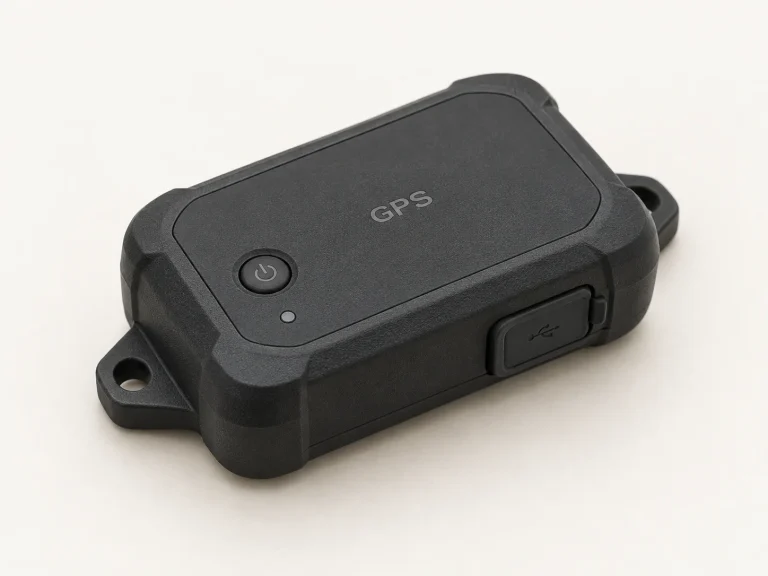
- GPS tracker
DERAS · filter reads, add context, connect systems
+ access control and camera events from across the siteExample flow. Capture points, technology and integration are confirmed per project after assessment.
Capabilities
Start from the outcome, not the device.
Each capability is matched to the technology that fits it. More than one technology is combined when the problem calls for it.
Stock accuracy
Keep the system and the shelf in step, with discrepancies flagged as they happen.
- Barcode
- RFID
- DERAS
Fast counting
Count by zone in hours instead of shutting down for days.
- Handheld barcode
- Handheld RFID
Verified receiving
Match what arrives against what was ordered, at the dock.
- RFID portal
- Barcode
- Camera
Location visibility
Know the last place an item or asset was seen.
- RFID
- BLE
- NFC
Dispatch verification
Check every order before the truck leaves.
- RFID gate
- Barcode
- Camera
Traceability & evidence
A time-stamped history of each movement, backed by footage when needed.
- DERAS event log
- AI camera
Security & access
Control who enters sensitive zones and what leaves through the exits.
- Access control
- RFID gate
- AI camera
In-transit visibility
Follow shipments after they leave the gate.
- GPS tracker
One operational view
Every event on one dashboard, connected to the WMS or ERP already in use.
- DERAS
The software that connects it
Devices capture.
DERAS makes sense of it.
One pallet passing a dock door can be read many times by several devices. The WMS needs one clean line: pallet received at Dock 3, 09:42. DERAS sits in between, so technologies and brands can be mixed without rebuilding existing systems.
- Filter and deduplicate. Repeated and stray reads are removed, so each movement is recorded once.
- Add context. A read becomes a business event: what, where, when, and which step.
- Connect what is already running. One operational dashboard, with events passed to the WMS or ERP. No rip-and-replace.
Warehouse item events
PALLET-024RFID dock gateMatched to POCASE-118Handheld RFID countLocated A-03ITEM-025Barcode pick checkConfirmedCASE-026RFID gate + cameraLoaded · clipExample interface and data. Workflow and integration are scoped to your project.
Realistic outcomes
What changes, and what needs process.
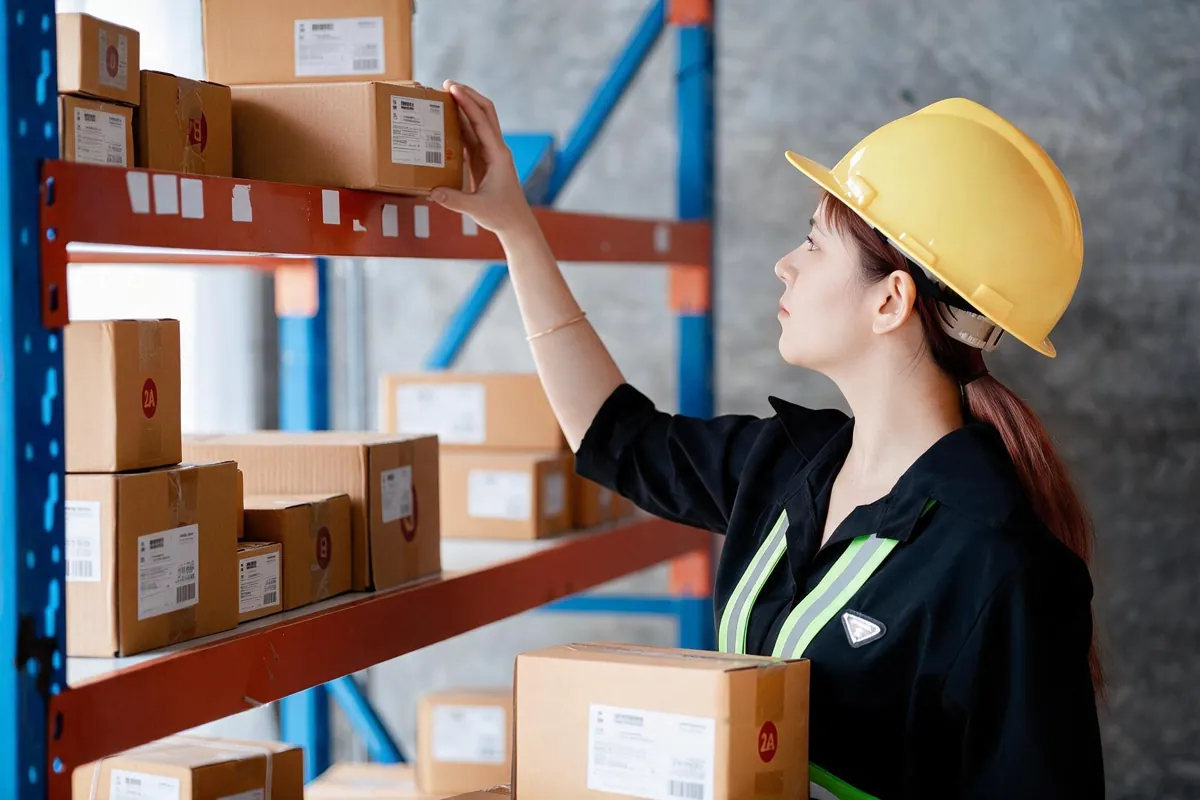
Technology makes good process faster and easier to sustain. It does not replace it, so expectations are agreed before anything is installed.
No number is promised before the warehouse has been seen. The metrics are agreed, measured, and used to decide whether to scale.
What improves
- Counts that take less time and happen more often
- Discrepancies spotted when they happen, not months later
- A time-stamped record for every movement chosen for capture
- One view instead of several disconnected tools
What still needs process
- Clear SOPs for passing capture points and handling exceptions
- Tag and label placement suited to the products and racks; metal and liquids need specific tags
- Training and ownership on the floor
How it is measured
A baseline is recorded first, then compared during the pilot:
- Inventory accuracy by location and SKU
- Time per cycle count
- Receiving time per truck
- Mis-shipment rate
- Time spent searching for items
One partner, end to end
From the first walk-through to day-to-day support.
One team owns the whole project, so devices, software and existing systems work as one.
- 1
Assess
Walk the floor, map the flow, find where the record is lost, and check current systems and RF conditions.
- 2
Design
Choose the technology mix per step: barcode where it is enough, RFID, cameras or access control where they pay off.
- 3
Supply & deploy
Devices, tags and labels, mounting and installation, tested on the real products.
- 4
Integrate
Connect capture points through DERAS to the dashboard and the existing WMS or ERP.
- 5
Pilot & scale
Start with one zone or one workflow, measure against the baseline, then expand.
- 6
Support
Training for the team, tuning after go-live, and ongoing support.
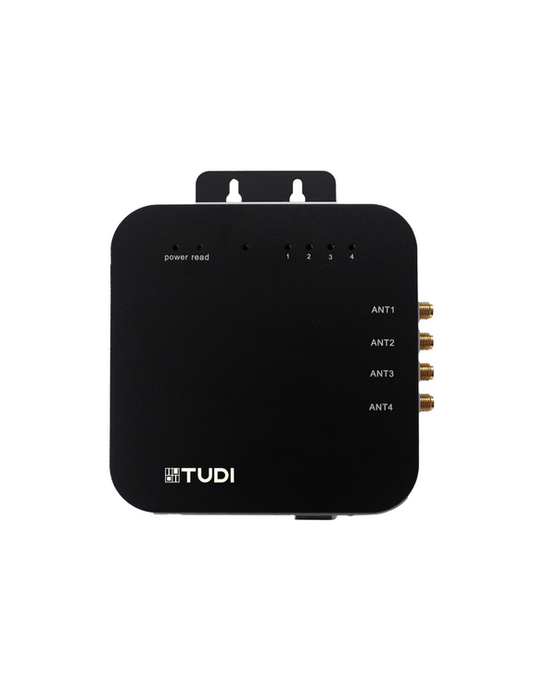
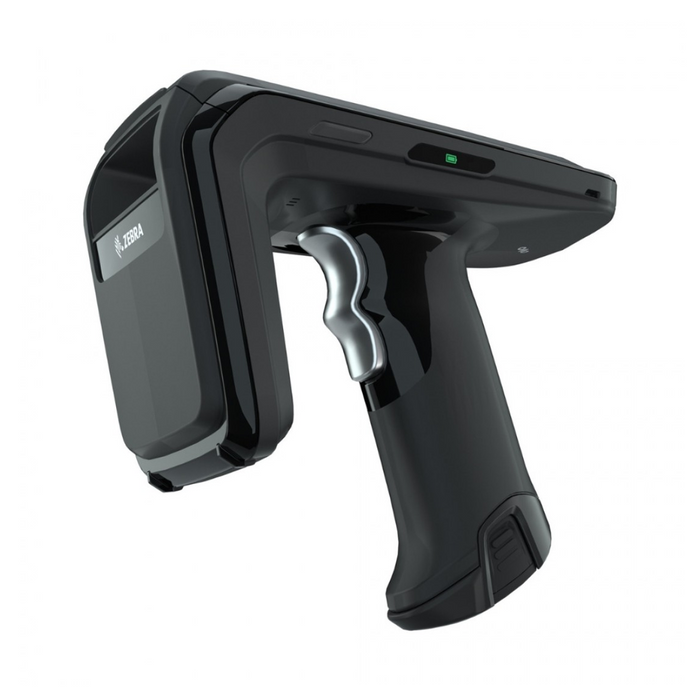
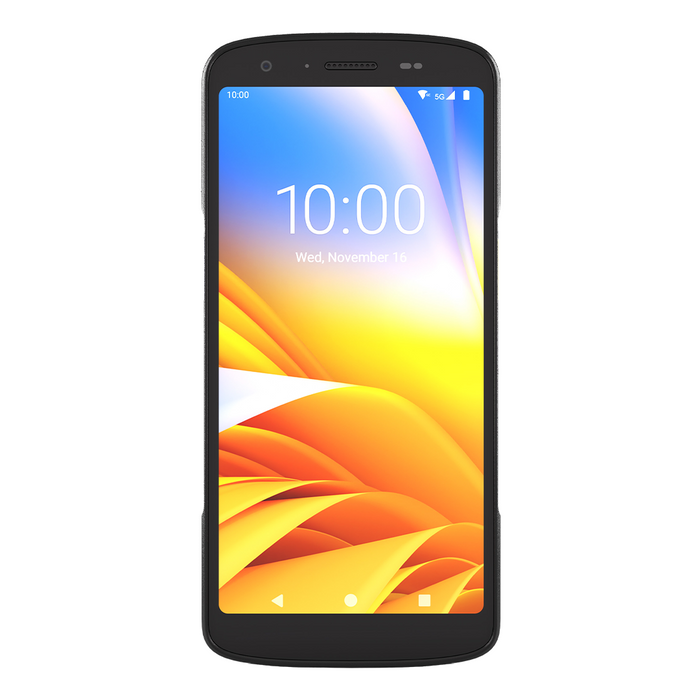
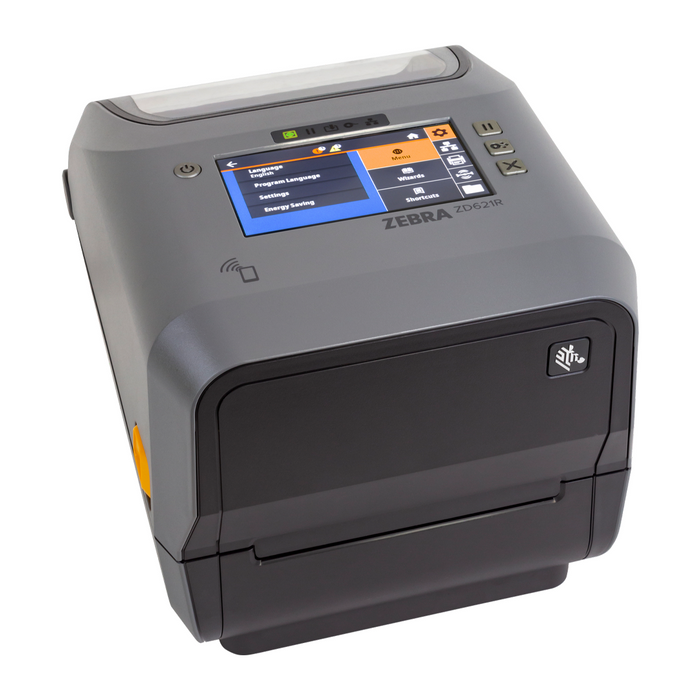
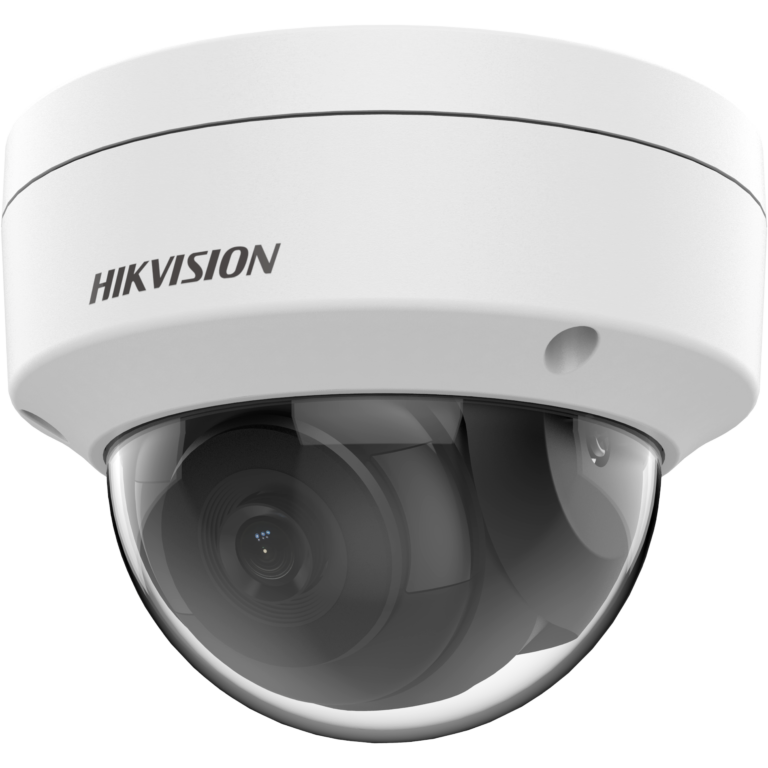
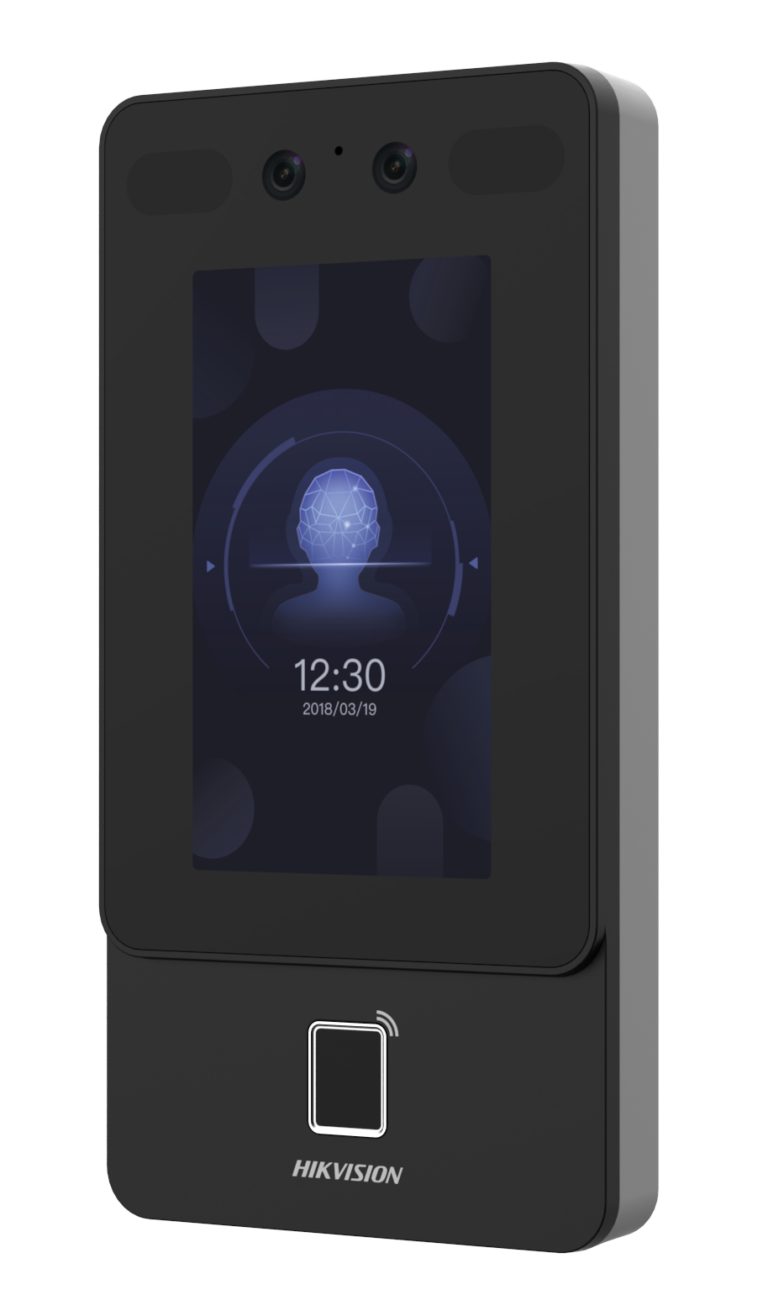
Hardware in context
The devices behind each step.
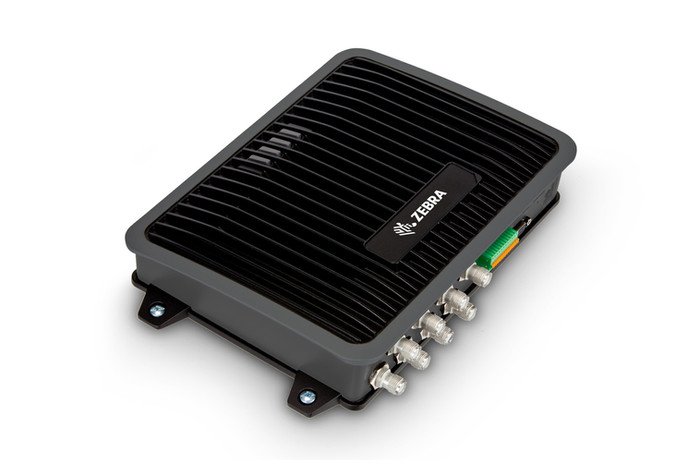
Example devices by capability. Final models, accessories and quantities are confirmed during assessment.
Explore specifications & applications
Explore specifications & applications
Explore specifications & applications
Explore specifications & applications
Explore specifications & applications
Explore specifications & applications
Explore specifications & applications
Explore specifications & applications
Questions
Before the first walk-through.
Do we need RFID?
Not always. Barcode is often enough for low-value items counted monthly. RFID pays off where counts are frequent, volumes are high or items must be read without line of sight. Many warehouses use both. The recommendation comes after the assessment, not before.
Can this work with our existing WMS, ERP and barcodes?
That is the starting point. DERAS passes clean events to the systems already in use, and current barcode labels can stay in use. Integration scope is confirmed per project.
Can we start small?
Yes. Most projects begin with one zone or one workflow, such as dock receiving or cycle counts, measured against the current baseline.
What about metal racks and liquids?
They affect RFID reads. Tags are tested on the actual products and racks during assessment, and tags, positions or another technology are chosen accordingly.
Do we have to buy everything from one brand?
No. Several hardware brands are supported, and DERAS keeps the data in one place whichever devices are used.
What is needed to begin?
A short description of the items, the current process and the systems in use. A site visit follows if it makes sense.
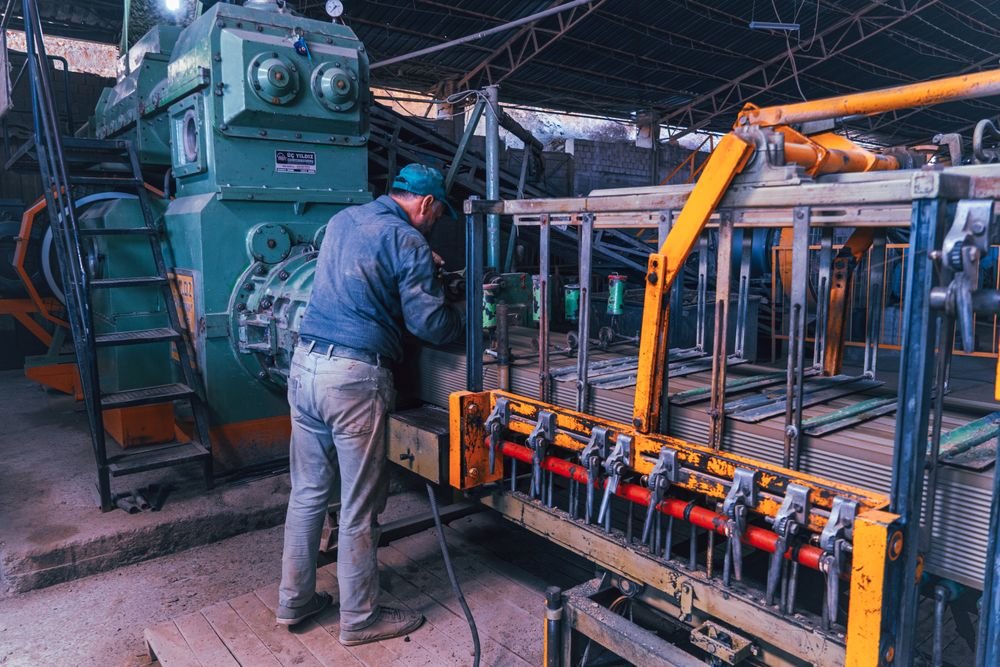
Start with one workflow
Find where
the records break.
Share the items, the current process and the systems already in use. The first conversation sets a starting point and the metrics to measure.